
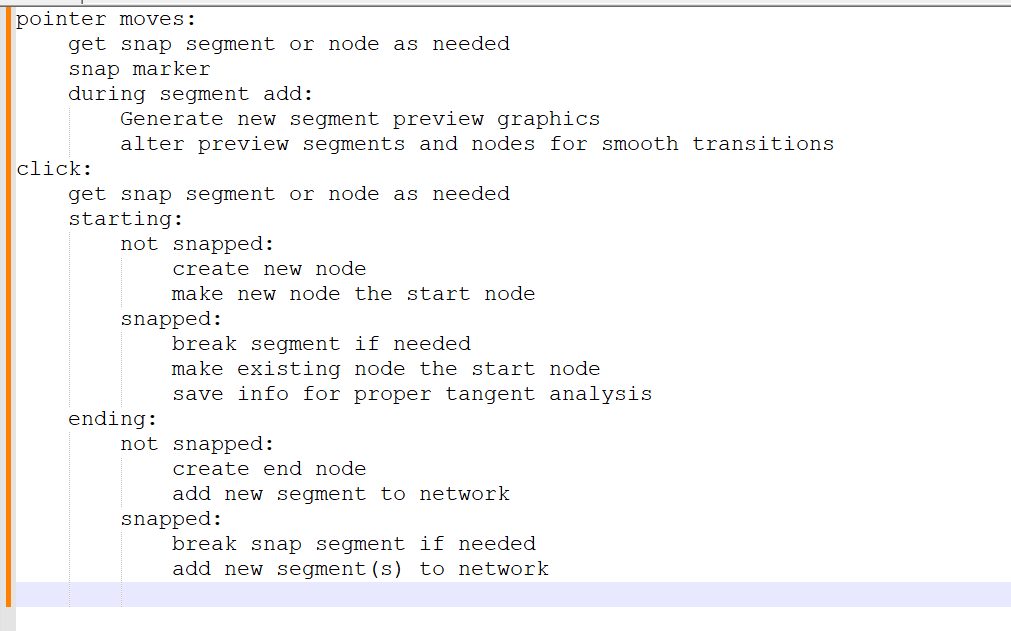
I’m adding code to the train game that will add segments to the track network. At moments like this, where I’m adding in a new feature, I often get a little stuck not knowing where to start. In these moments, I usually open any text editing app and start writing notes. The picture above shows the notes for today.
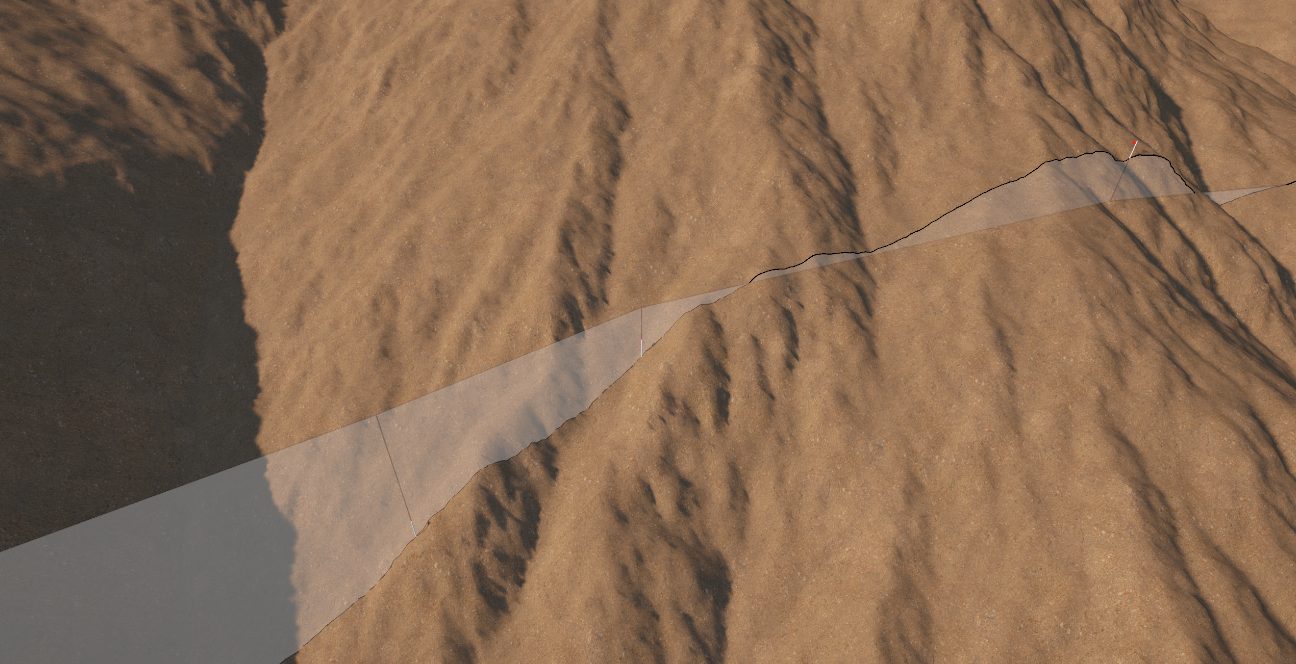
The reason I need notes is because I have some test code that already let’s me test some of the experimental terrain rendering code and how it interacts with the track segment surveying preview. The surveying preview shows survey markers and ghost slices through or above the terrain to show the relationship between the surface and the actual trade grade. An image of that experiment is below:
I need the notes of the entire set of surveying features so I can see where to start writing code. Otherwise I’m working off of the same notes in my head and they are often severely incomplete. Now I know that I can work on the mouse movement, or button click code, and I won’t be forgetting how the two interact. I can also drop in comments in the code as I go to tell me what to add later if I find that I don’t have a function or feature I need to complete what’s in the notes. I could also just copy the notes into the expected locations in the code and then work from there. But writing the notes in the code itself is often too distracting and a clean text editing window helps me ignore anything else in the project.
The notes will definitely be incomplete. But they are a good starting point.