The Spectrophonix (a better namke to be determined later) is coming along nicely. I’ve been posting a few photos to Facebook and forgetting to write blog posts about it. So here is a lot of work documented for a single status update…
Almost a year ago, I wrote a post about this app. Since I’ve been working on it again for the last few months, I need the post this update. The app, if you remember, is a show control application designed primarily for small-scale interactive attractions that incorporate audio, special effects, automated sequences, and manually triggered events. Imagine a walk-through haunted house where guests progress through a series of themed environments, encountering live actors, interactive props, and automated effects along the way. Each scene operates as a small, independently controlled show. This software is designed around this environment, which is not like a regular stage show, such a play or musical, and also not like a predesigned show with no interactions, such as the Haunted Mansion at Disneyland (One of my favorite attractions when it’s not the holiday season).
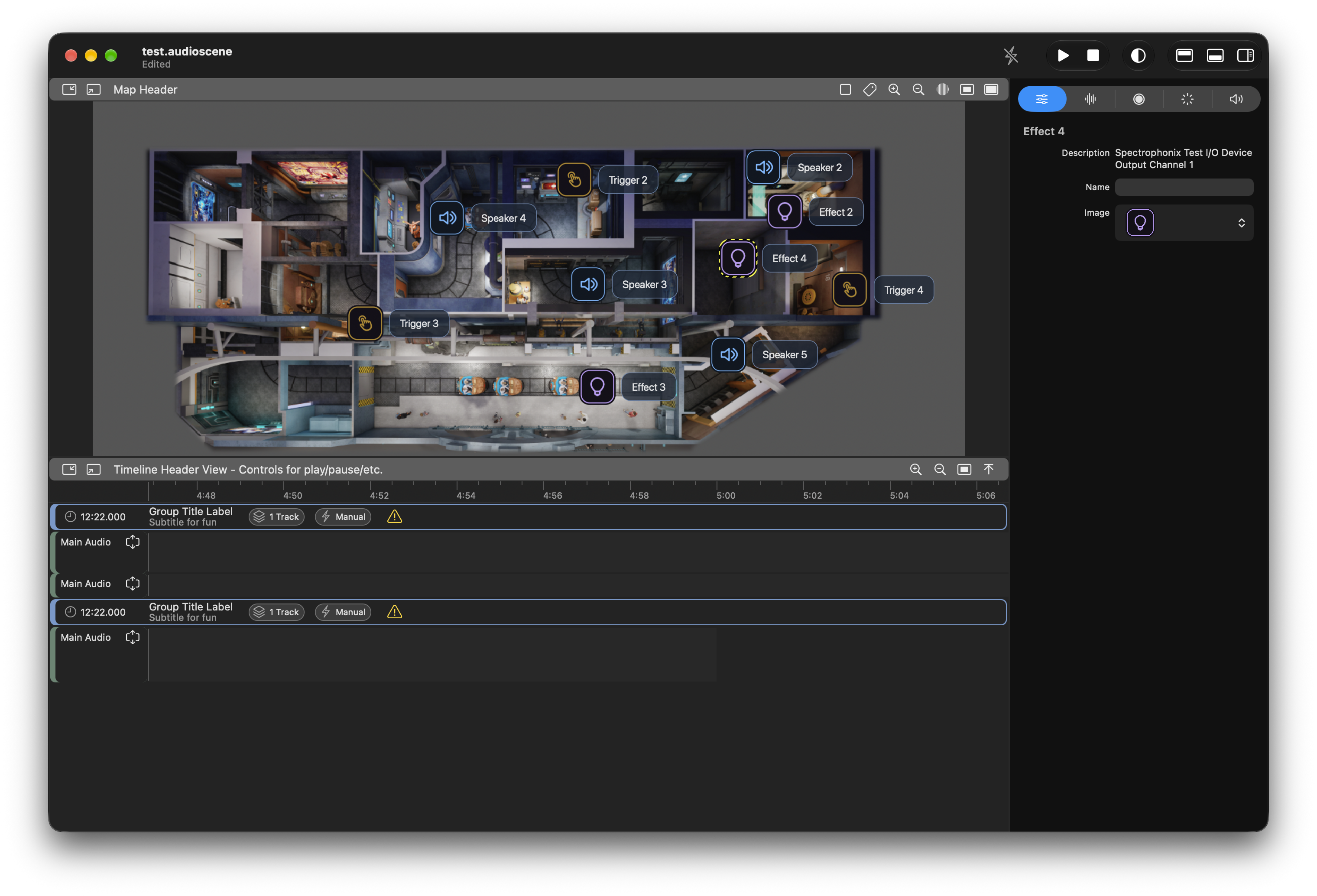
The window of the app is separated into a map, and timeline, and a sidebar for holding things like device lists, selected item properties, etc. The map uses any image as a background, and the show designer can drop in speakers connected to audio channels, special effect elements connected to external device channels, and triggers, also connected to external devices. Audio control can be complex where a timeline audio clip can be associated with multiple speakers and a path can be designed for the sound to take. Taking a path is as simple as adjusting the volume of the sound in each speaker during playback. Audio clips can also be associated with a specific speaker that shares an audio channel with other speakers where a specical effects device switcher, usually a box of relays, directs the sound to one specific speaker in the group.
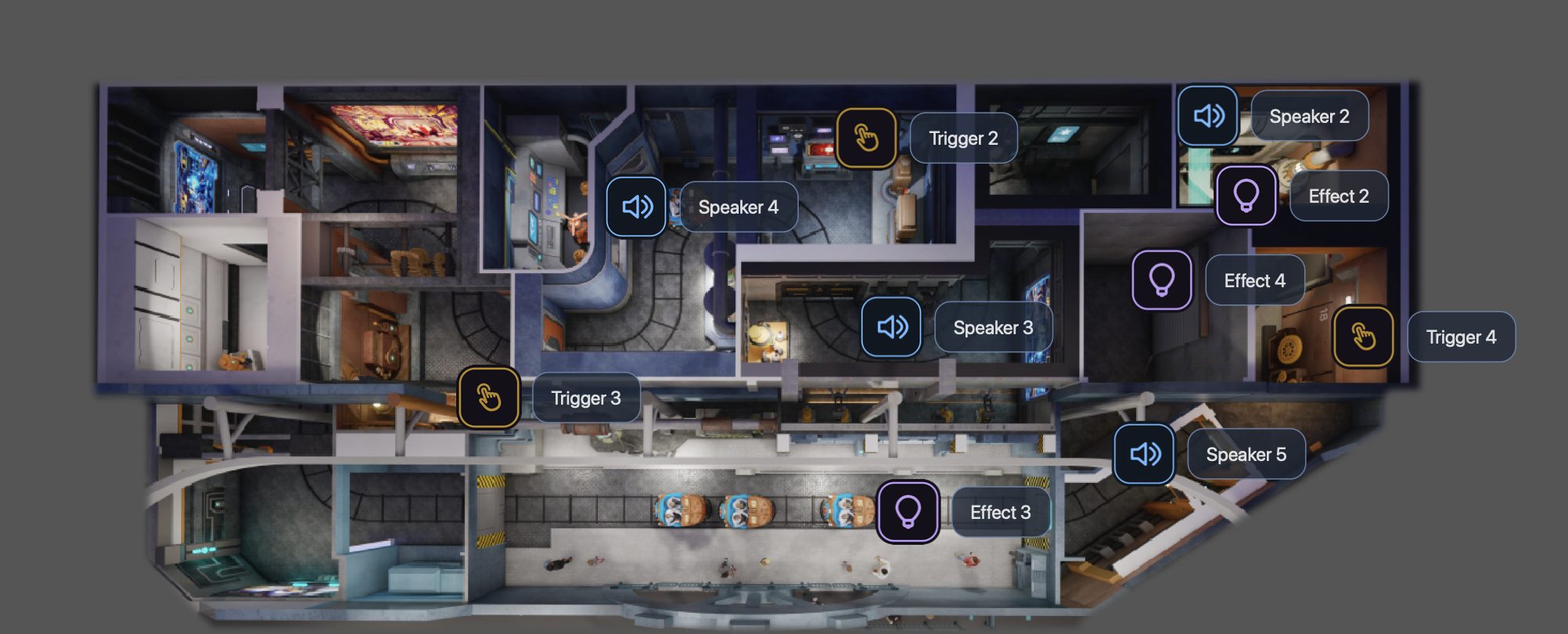
At this time, a lot of the simple device handling works; the app will detect all audio devices and let the show designer pick which one’s to use (since the built-in laptop speakers might not be wanted, lol). The software then creates an aggregate device and presents all individual mono audio channels across all selected devices. I also have internal support for an inexpensive relay switching board for controlling effects; these relays can switch regular 110v lights and other powered devices.
I’ve been working more on the timeline lately. Since the file storage for the app, document files with the .audioscene extension, are mostly designed and implemented, I can save and load whatever data the app generates. In fact, I can even hand-edit the data files and add things that the edits don’t yet handle. Since I can’t drop audio and effects elements into the timeline yet, I was able to edit the file and create this set of two timeline groups with some track in each. I’m working now on the display of the the tracks and figuring out how to show the end of a group has been reached if it’s shorter than the longest group.
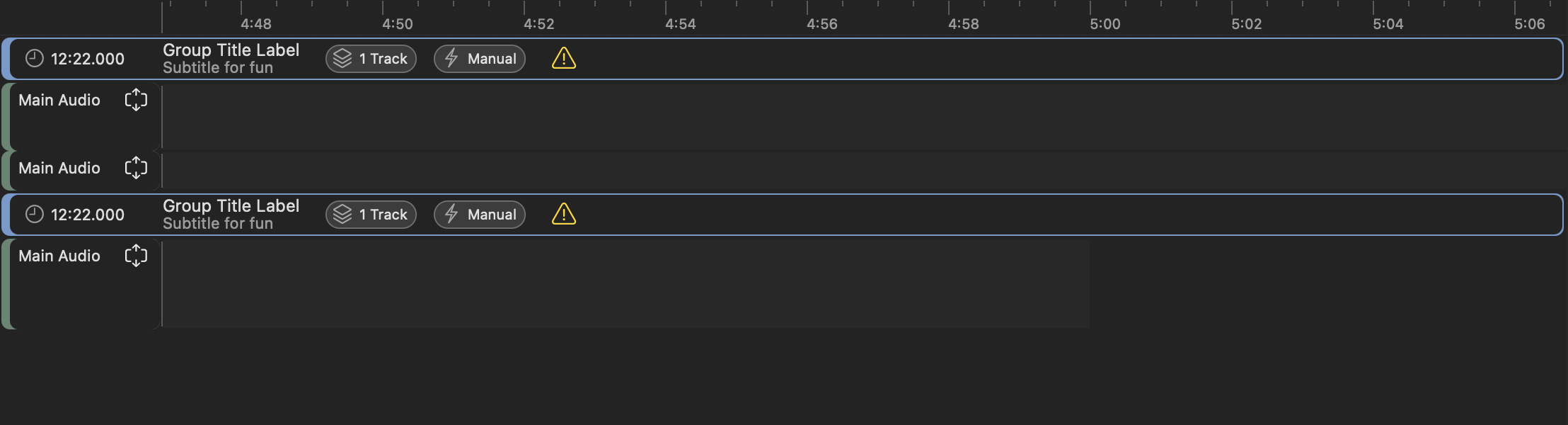
The next step is to add the ability to add elements to the timeline. Since the code already supports drag and drop from the sidebar, I just need to accept the drop into the timeline and figure out how to add the new element correctly while accounting for other elements in the way, being past the end of the group, etc. I’ll post more when I have that working.
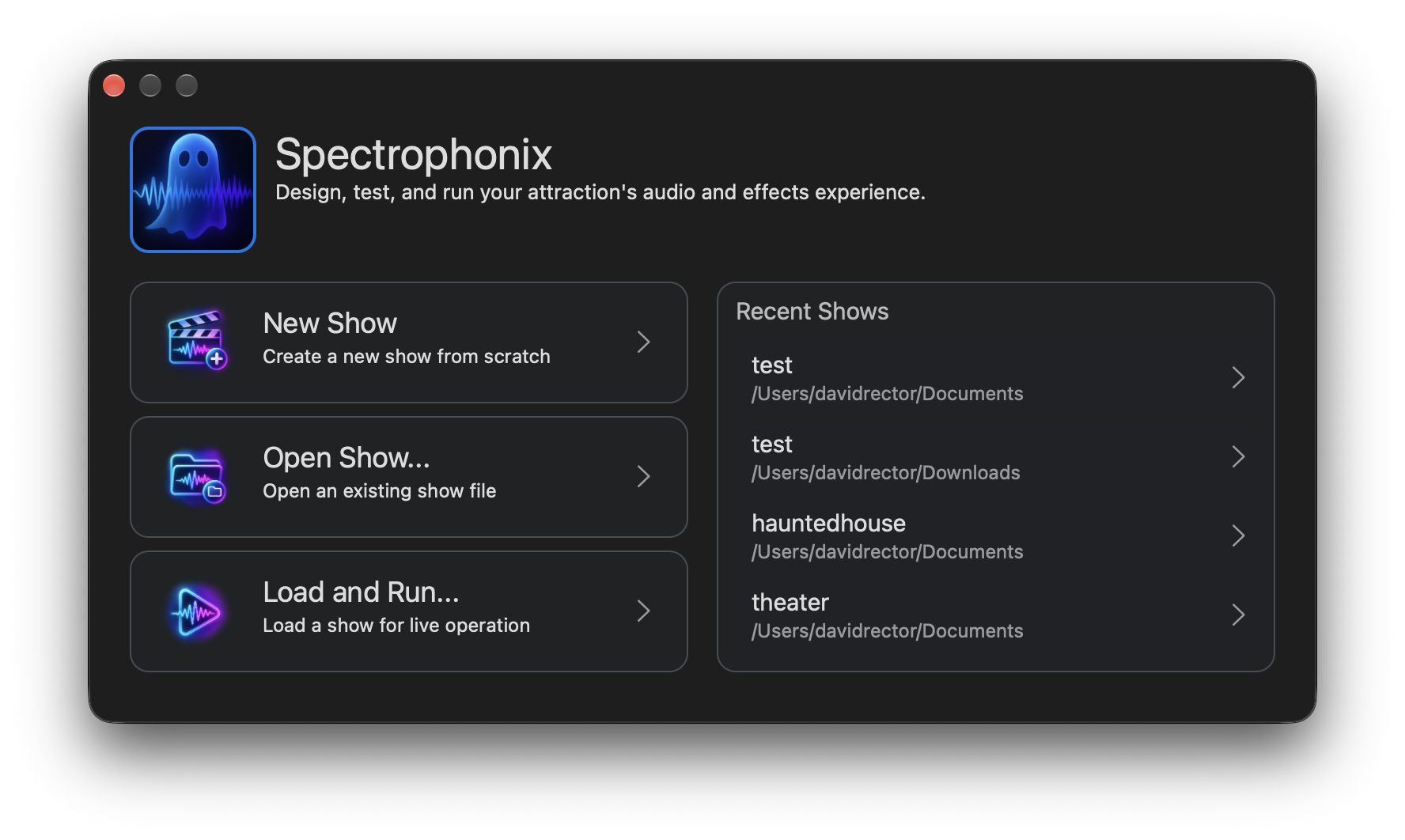
I also dod a little work on a Welcome Window, to match the style of some other editors I’ve seen.